
01
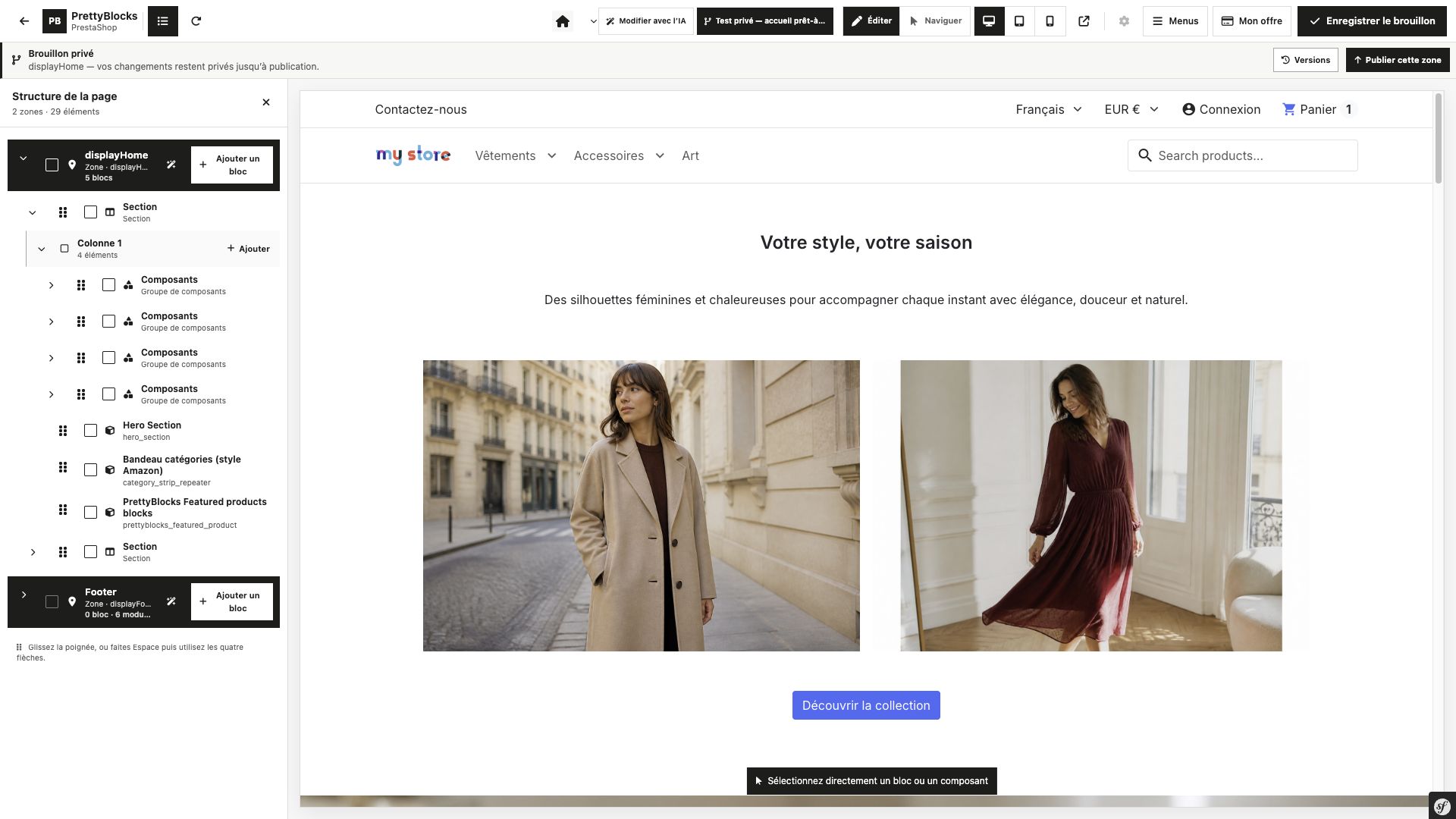
Everything in its place.
Sections, columns and components. Nest your elements and follow the structure of your page in a dedicated view.
PrettyBlocks v4 is coming soon. Get an early look at the new visual editor to build your pages, refine your content and stay in control of every detail.
See the v4 preview Explore the project on GitHub
PrettyBlocks v4 / First in line
Sign up for PrettyBlocks news and be among the first to hear when v4 launches.
01 / From idea to page
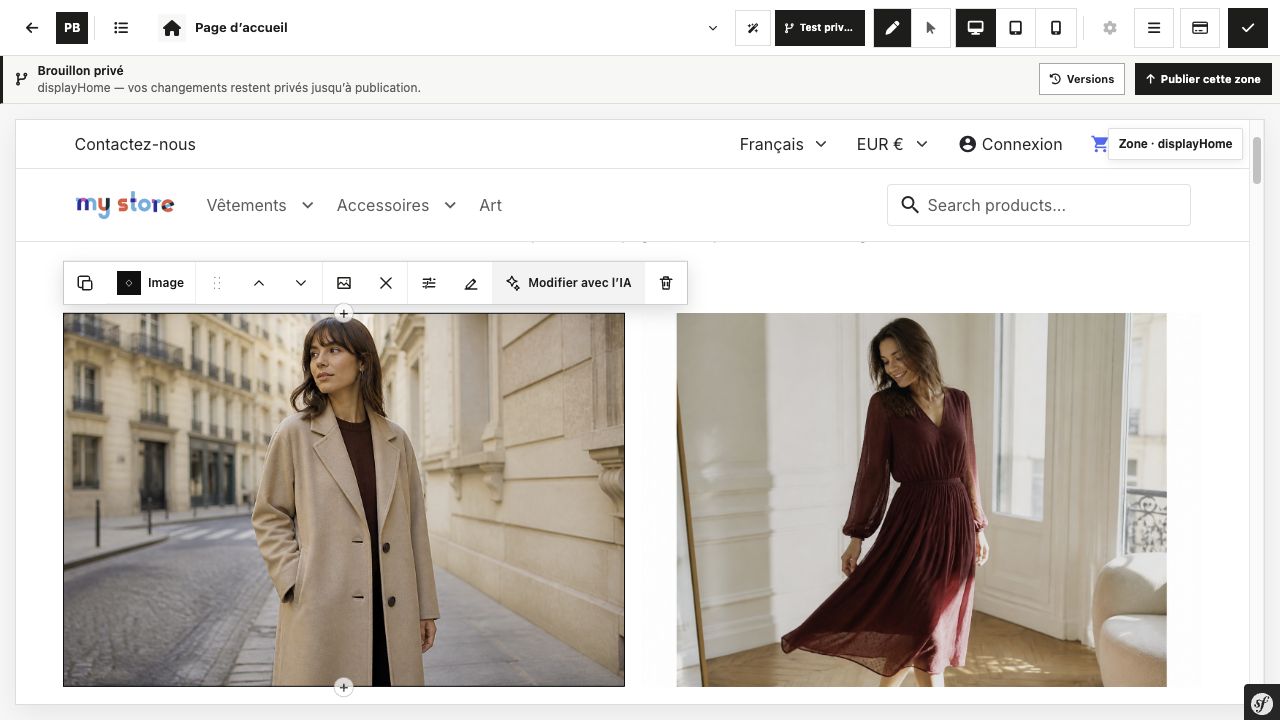
Build a page one step at a time. Put components together, organise your content and watch your layout take shape.
Sections, columns and components. Nest your elements and follow the structure of your page in a dedicated view.
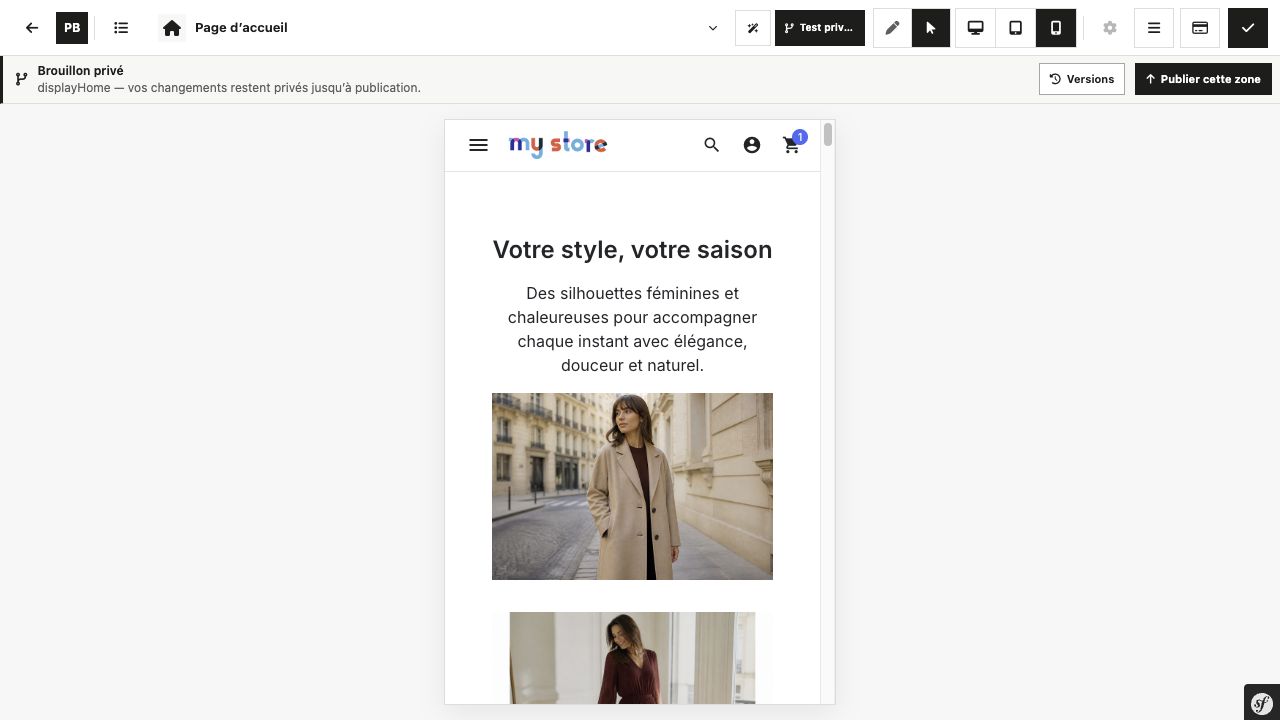
Switch previews to see your composition on desktop, tablet and mobile. Your content stays the same; the space changes.
One step at a time
02 / Take the time to create
Work on one version, prepare the next and choose when to bring it online. A space to create, and a moment to publish.
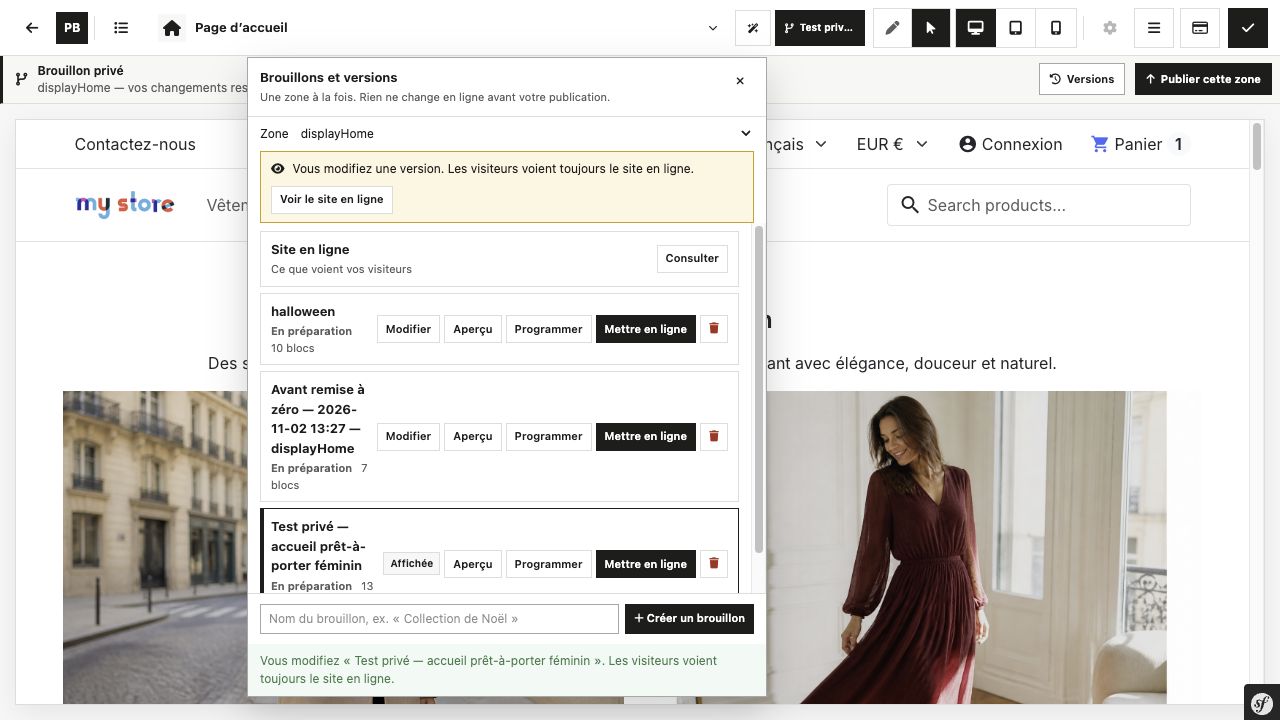
Develop your content in a working version before publishing it.
Keep your different preparations close at hand in the version manager.
Prepare your publication and choose when it goes online from the version actions.
03 / The PrettyBlocks ecosystem
PrettyBlocks grows with the projects that use it. Find the original project, its V3 documentation and the themes in the shop.